
UX Case Study
PartiQL Editor for Amazon QLDB
Amazon Web Services, 2021
UX Case Study
PartiQL Editor for Amazon QLDB
Amazon Web Services, 2021
UX Case Study
ParitQL Editor for Amazon QLDB
Amazon Web Services, 2021
UX Case Study
PartiQL Editor for Amazon QLDB
Amazon Web Services, 2021
UX Case Study
PartiQL Editor for Amazon QLDB
Amazon Web Services, 2021
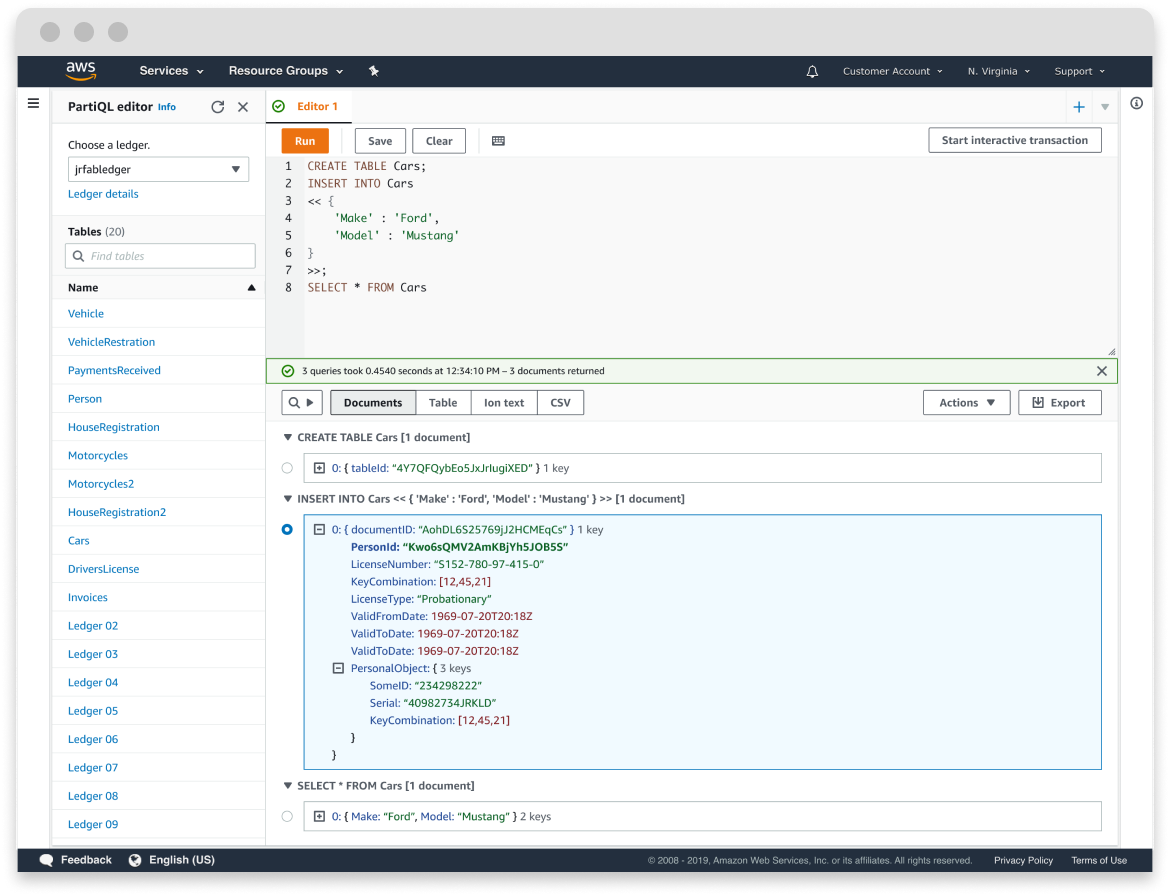
OVERVIEW
Amazon QLDB is a fully managed ledger database that maintains a complete, immutable history of data changes, making it a trusted source of truth for use cases like financial transactions and audit logs. Because QLDB stores data as documents rather than relational tables, PartiQL, Amazon's open query language, is better suited than SQL for querying its nested, semi-structured data. The goal of this project was to design a purpose-built query editor in the AWS console for developers to write, test, and refine PartiQL queries against a ledger.
Overview
Amazon QLDB is a fully managed ledger database that maintains a complete, immutable history of data changes, making it a trusted source of truth for use cases like financial transactions and audit logs. Because QLDB stores data as documents rather than relational tables, PartiQL, Amazon's open query language, is better suited than SQL for querying its nested, semi-structured data. The goal of this project was to design a purpose-built query editor in the AWS console for developers to write, test, and refine PartiQL queries against a ledger.
The problem space
QLDB was introducing customers to PartiQL, a query language most developers hadn't used before. Developers needed a place to practice queries safely, catch mistakes, and understand what their data looked like before it touched a production application. Existing query editor patterns at AWS were built for relational databases and didn't account for deeply nested, semi-structured documents.
The design problem
How do you design an editor that helps a developer pick up a new query language quickly, while still giving them the full power they'd expect from a professional tool? That meant solving for type-ahead with PartiQL syntax support, familiar keyboard shortcuts, result views that could represent nested document structures, and multi-statement support for transaction workflows.
My role
Lead UX designer and researcher, sole designer on the project, working with a product manager and eight engineers. I owned the end-to-end design process from research through handoff.
Who I designed for

SOFTWARE DEVELOPERS
Software developers building customer-facing applications on QLDB. They needed to securely load and inspect data, practice and debug queries before using them in production, and write sophisticated queries that read and update ledger records.
Key design principles
MAKE THE DATA READABLE, NOT JUST RETURNED
PartiQL queries can return deeply nested, variable-shaped documents that a flat table can't represent faithfully. A tree view document format became the primary output, with a toggle to raw text for developers who needed to copy or work with the output directly.
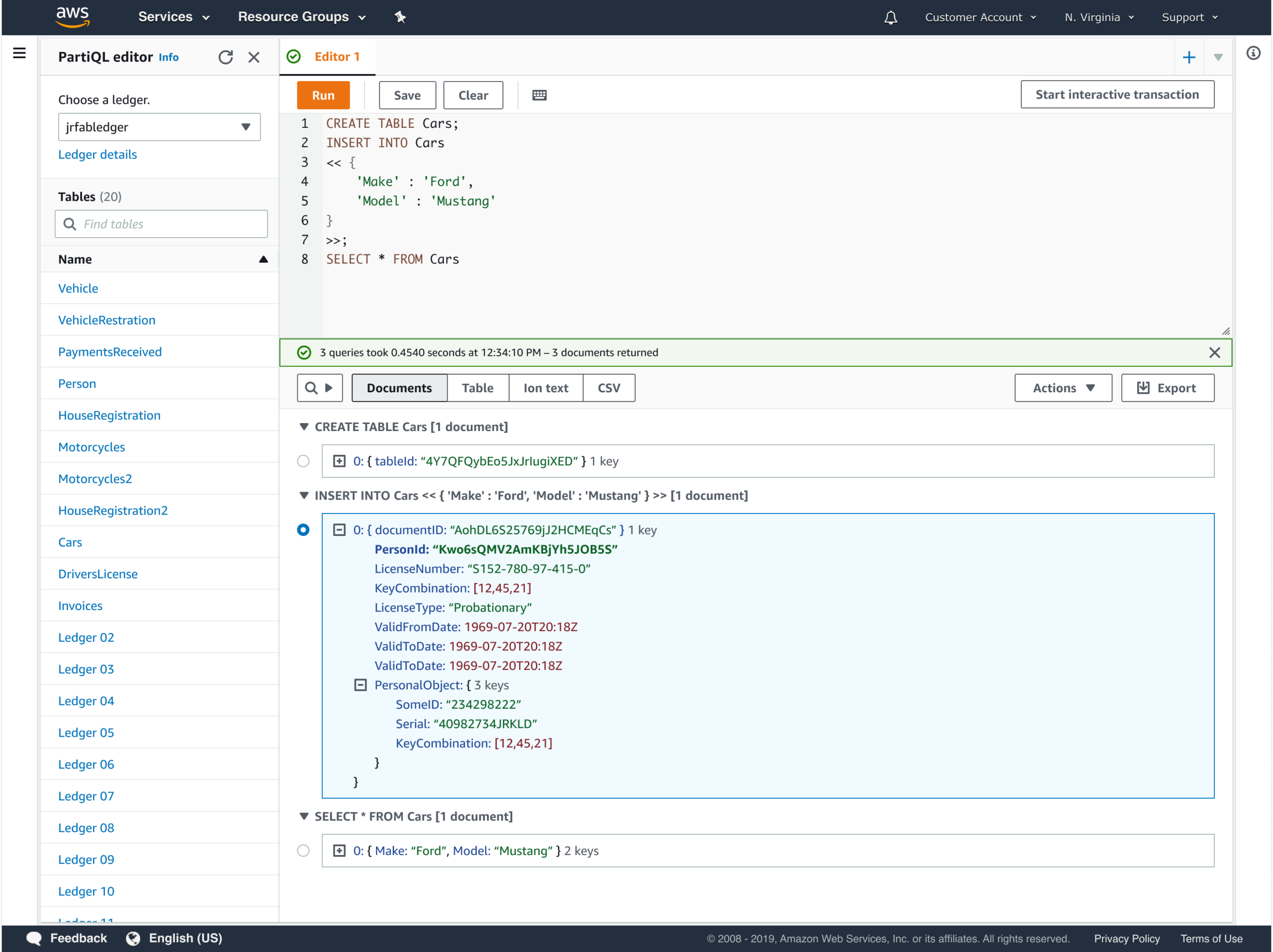
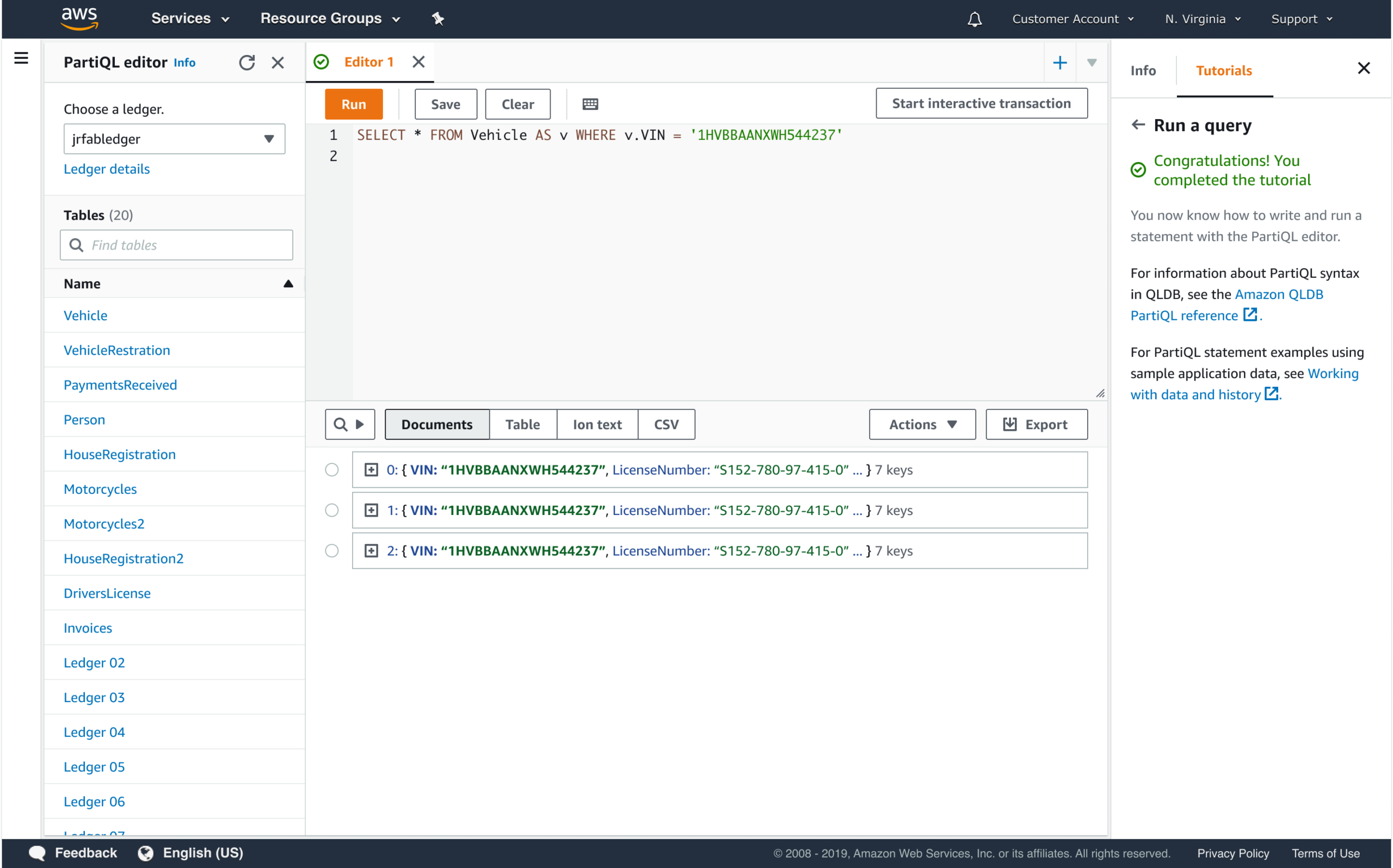
Document output of a PartiQL query
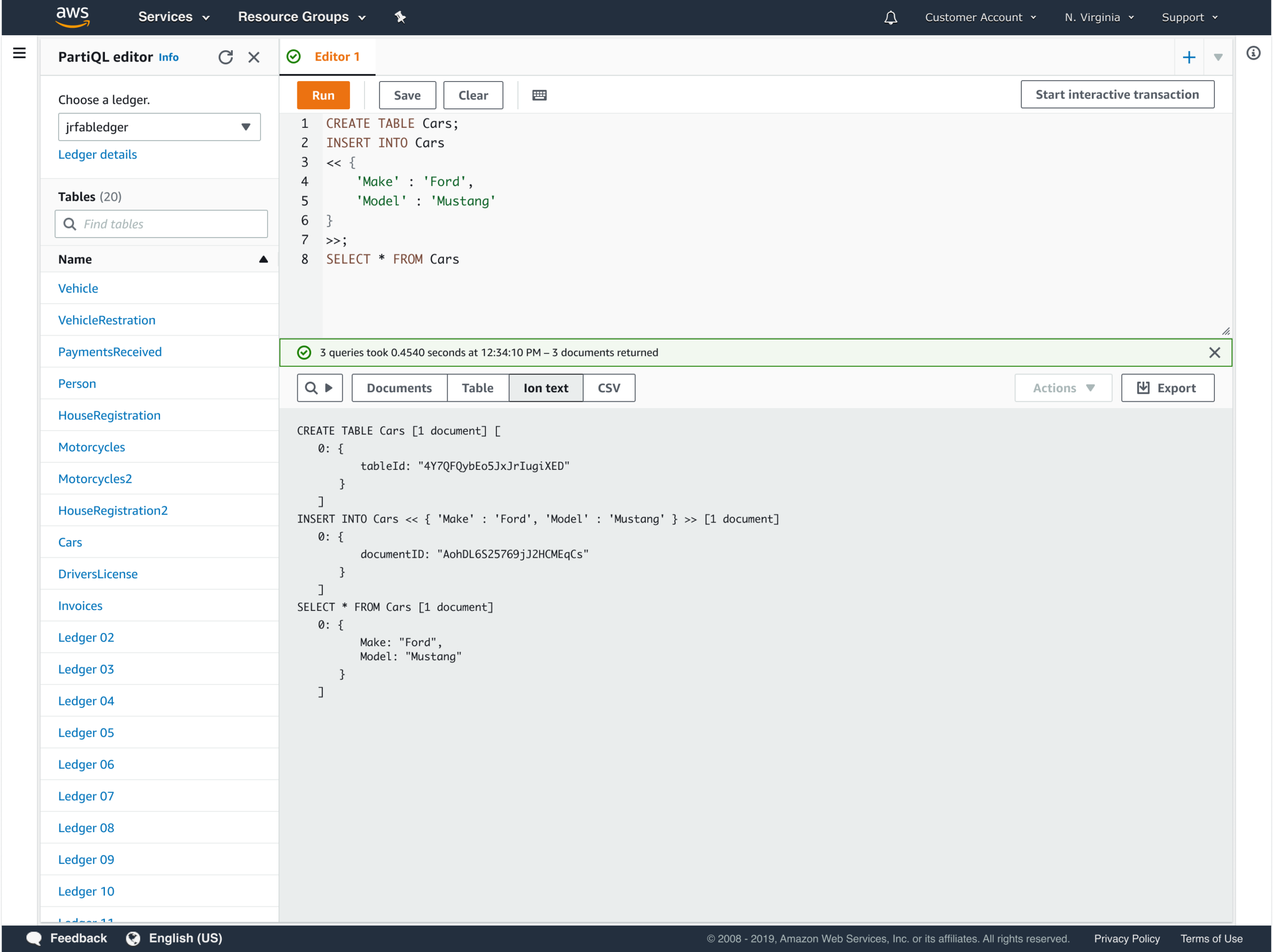
Ion text output of a PartiQL query
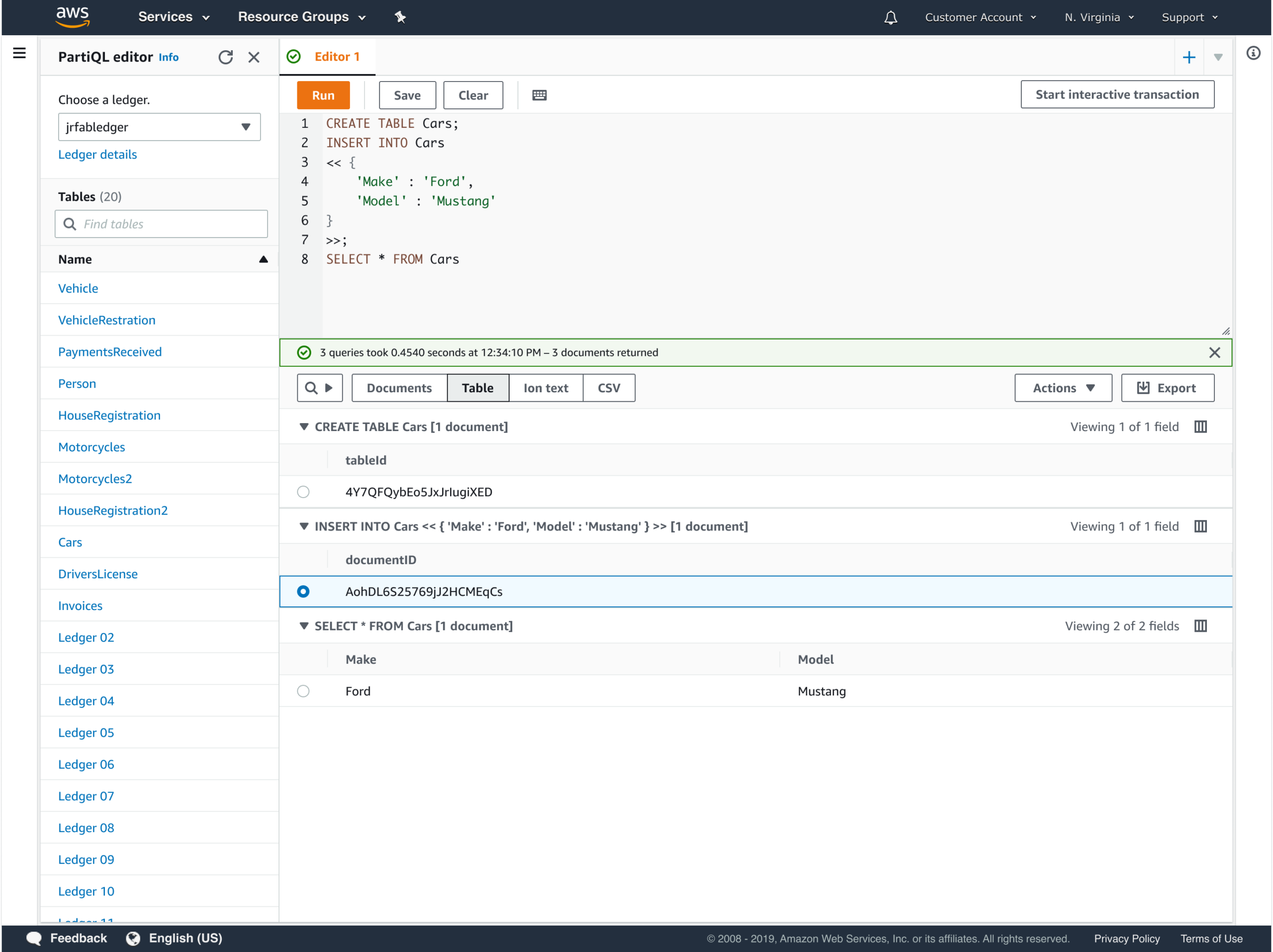
Table formatted output of a PartiQL query
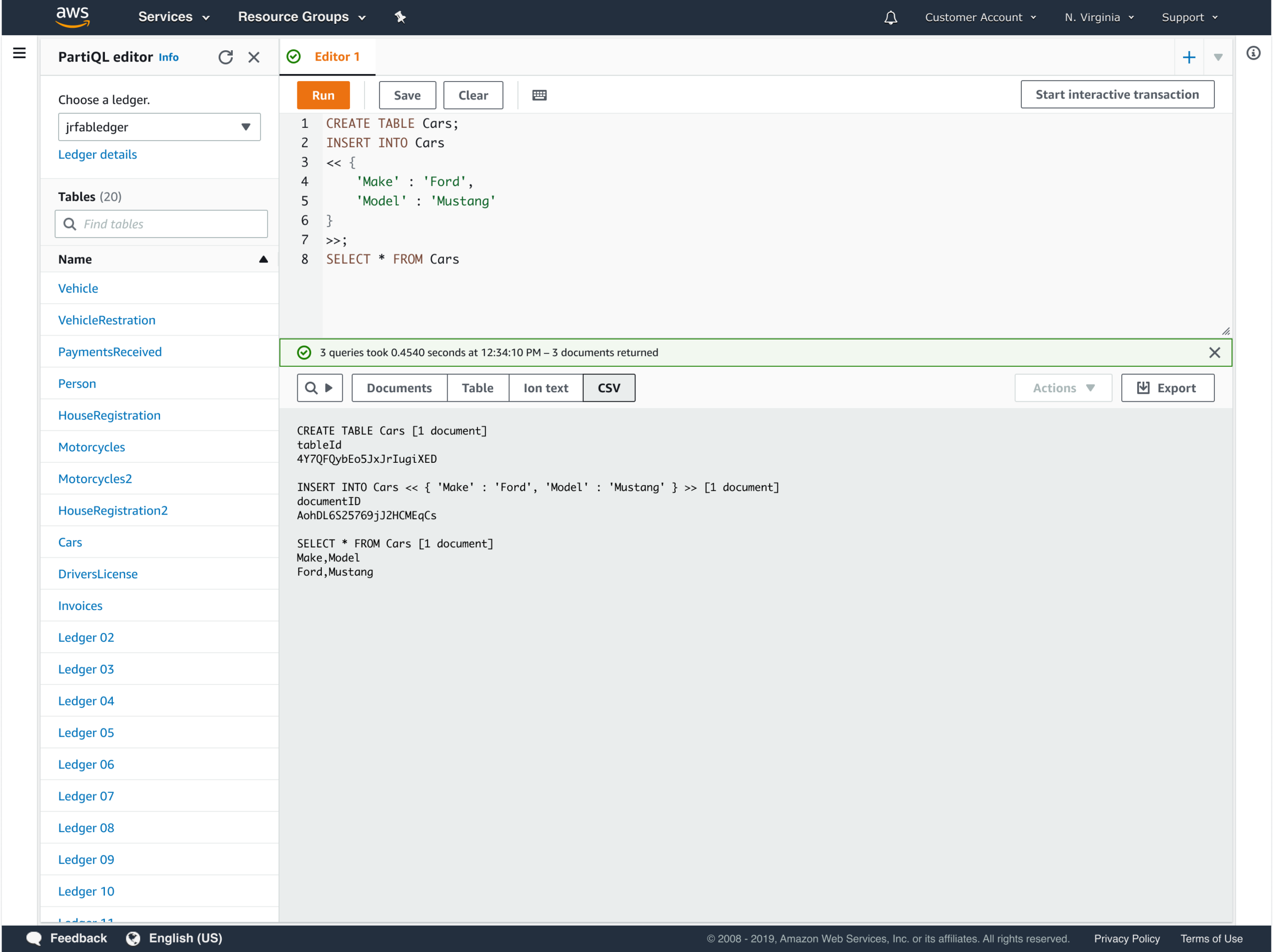
CSV output of a PartiQL query
MEET DEVELOPERS WHERE THEY ARE
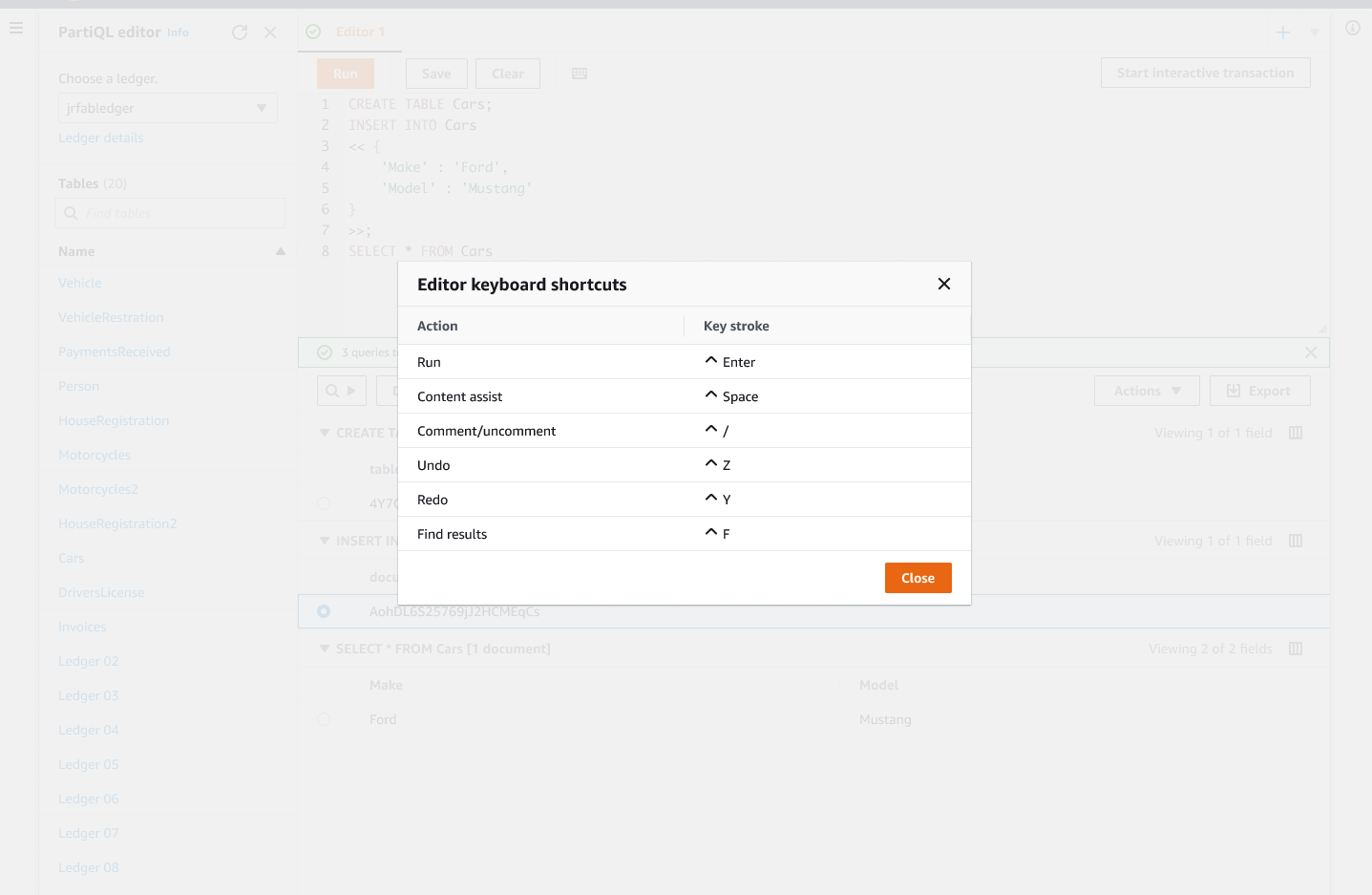
The design leaned into familiar mental models from SQL editors. Keyboard shortcuts, syntax highlighting, nested tables, and editor behavior were modeled on conventions developers already knew, so the only unfamiliar surface area was PartiQL itself.
LOWER THE LEARNING CURVE
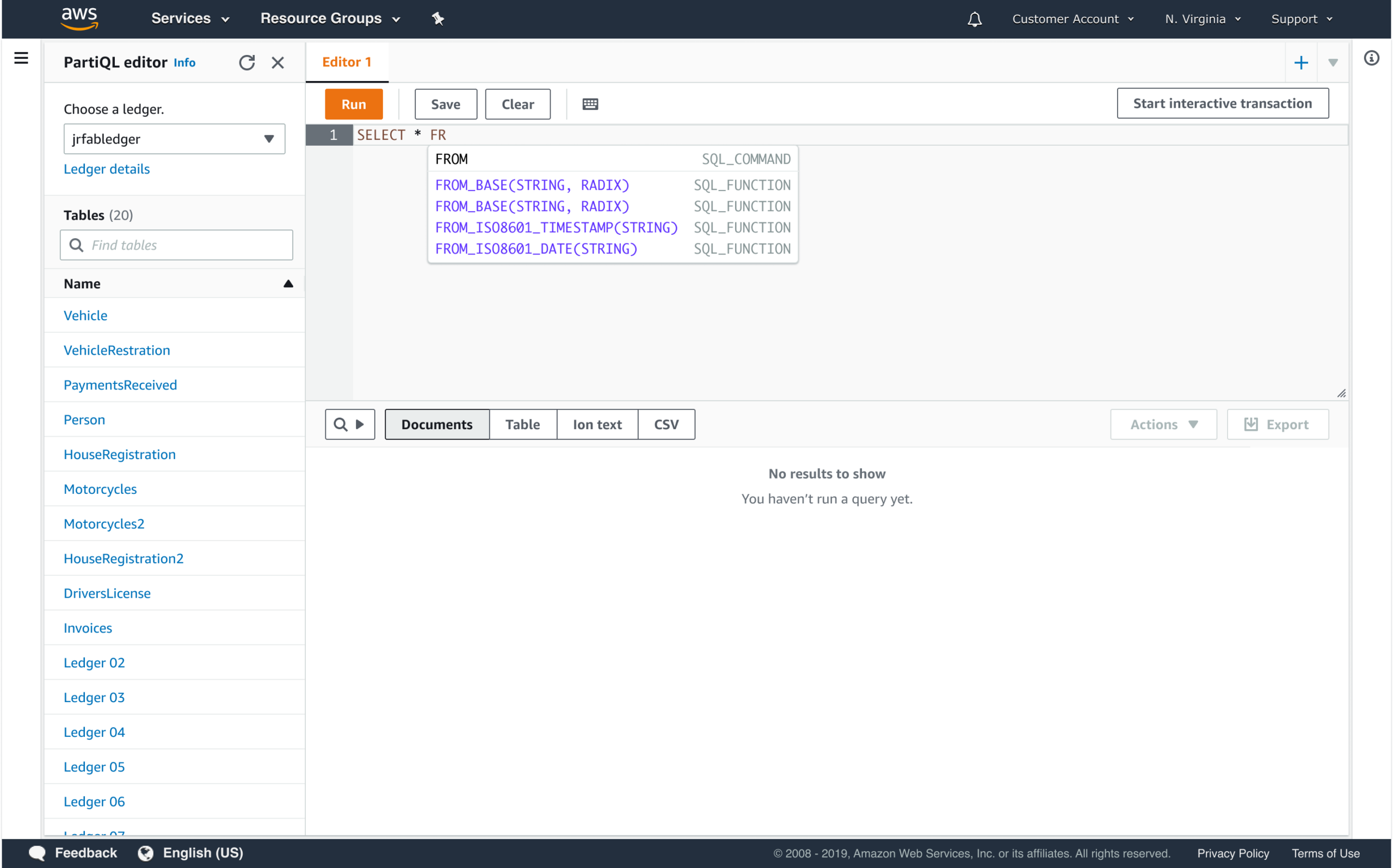
PartiQL was new to most developers coming to QLDB. Code hinting and type-ahead reduced the burden of memorizing syntax, letting developers stay focused on their query logic rather than the language itself.
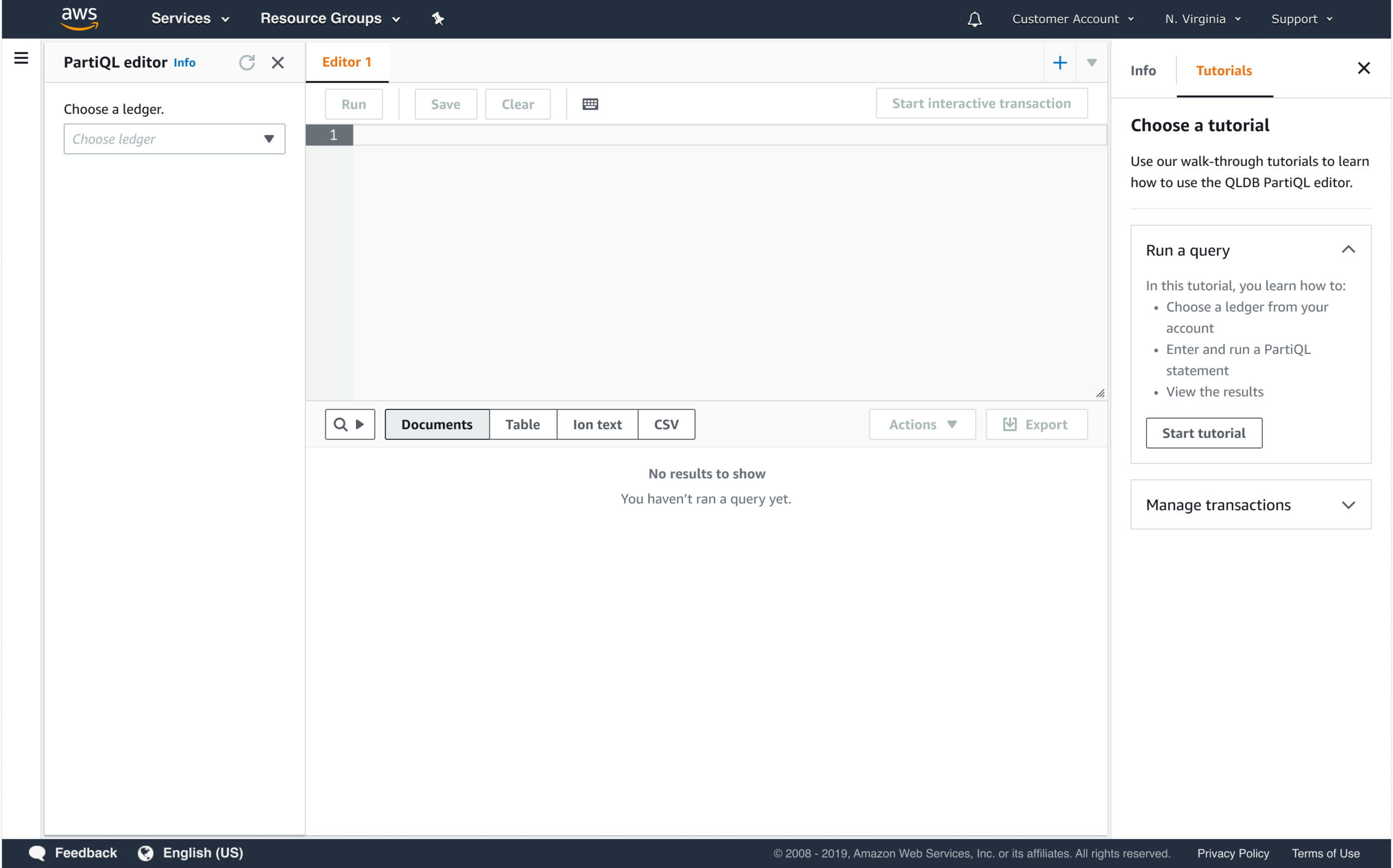
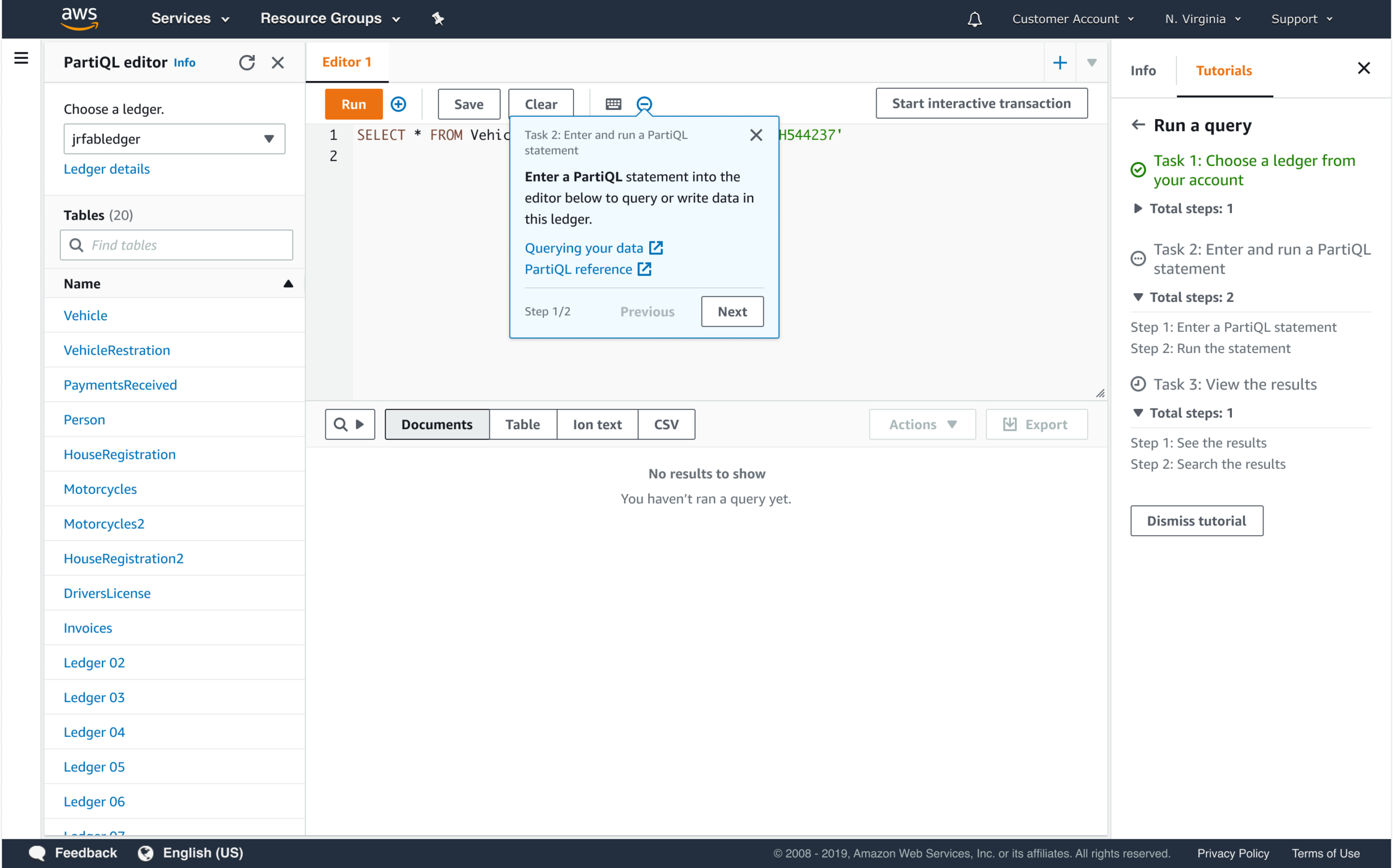
Onboarding screens gave customers a guided entry point into the editor, surfacing key capabilities at the moment they were most relevant.
Outcomes
- PartiQL-aware editor with type-ahead and syntax support
- Keyboard shortcuts including undo/redo, consistent with developer IDE expectations
- Multi-statement query support for interactive and non-interactive transaction workflows
- Result views in document format, raw text, and exportable Ion and CSV
- Onboarding tutorial to help customers get started with the new editor
Impact
Prior to this editor, customers had no native query tool for QLDB. A third-party tool used by 8 customers only output raw text, and existing query editors across the AWS console were limited to tabular results with no code hinting, keyboard shortcuts, or onboarding. This left developers without the support they needed to learn and work confidently with PartiQL.
Customers from DVLA and Osano noted that type-ahead, keyboard shortcuts, and multiple output formats helped their teams become more comfortable with PartiQL and reduced friction in their day-to-day work with the ledger.
Design patterns established for this editor were adopted into the AWS design system pattern library, and implemented across 5 AWS database and analytics services.
Reflection
I underestimated how much the complexity of semi-structured data visualization would shape every downstream design decision. This project reinforced that designing for technical users requires genuine technical empathy, not just understanding their workflow, but understanding their data.
Portfolio
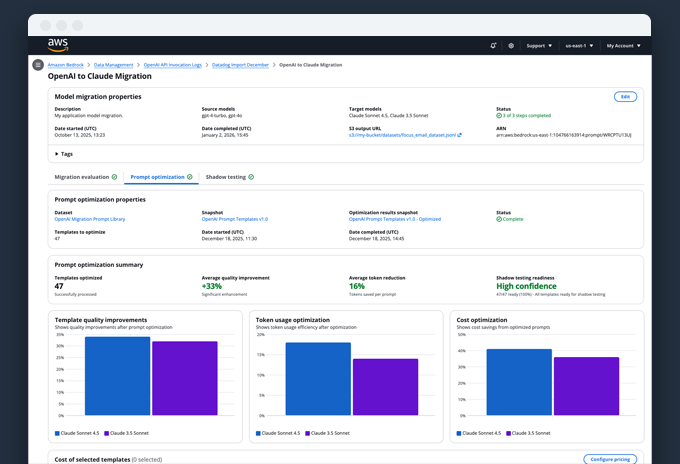
Model Migration as a Lifecycle ProblemEnabling enterprises to migrate models without losing trust, quality, or control
AWS Glue StudioDesigning a configuration-driven data pipeline builder for enterprise scale
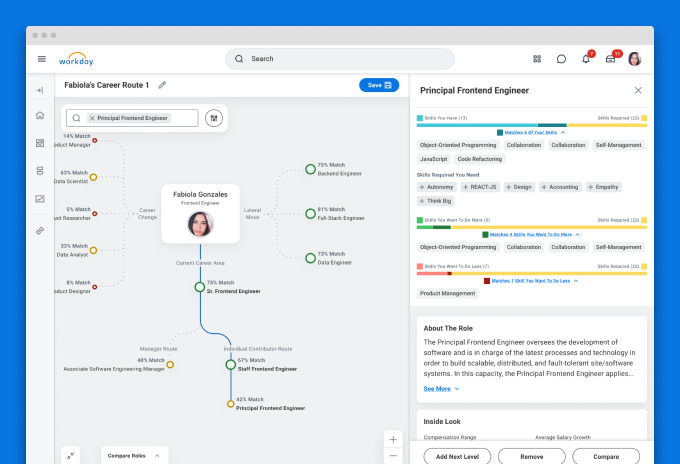
Career exploration for Workday's Career HubDesigning AI-assisted career exploration with human judgment at the center
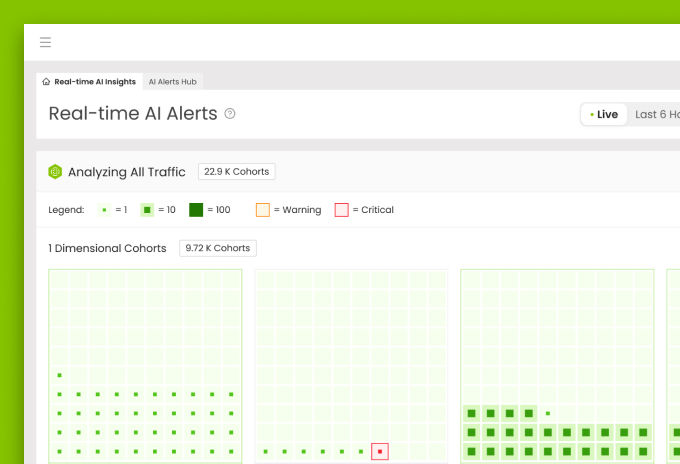
Live Ops Alerting DashboardDesigning clarity for real-time operational decision-making
Asurion Virtual AgentUI Design
Enhanced chat for Chase mobileUI-UX design
UI for James Bond 007: World of espionageDesign system
Chase mobileUI-UX Design
Transaction details for Chase mobileUX Case study

Upgrade systems for Rival FireUX case study